Skip to content
Sensay Help Desk
Languages
  • Home
  • Account
  • Using Sensay
  • Student
  • Technical Problems
  • Using Sensay
  • How do I reset my password? (Student)

Account

    • 什麼是 Sensay Analytics?
    • What is Sensay Analytics?
    • 如何新增共同教師?
    • How can I rename my Students?
    • How do I open Classes, Student Profiles, or Recordings  in a new window or tab?
    • Can I help students reset their passwords?
    • I am not an English teacher, can I still use Sensay?
    • How do Teachers use Sensay?
    • Can my co-teacher and I share a class and track student progress together?
    • Can I create custom speaking exercises or upload my own questions?

How do I reset my password? (Student)

3 years ago
Sensay
1 minute
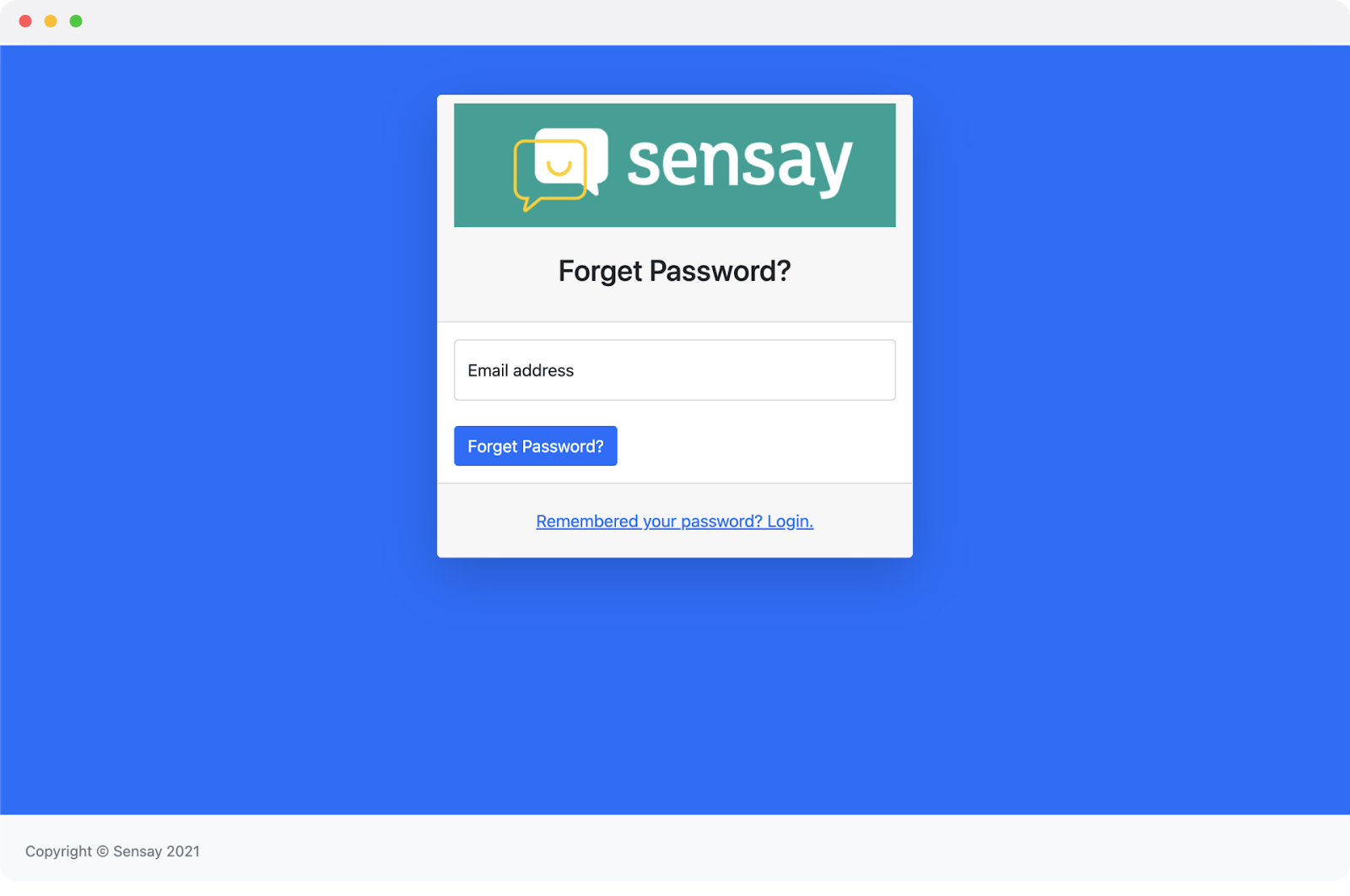
  1. Go to https://learn.oksensay.com/#/reset-password and enter the email address for your account.
  2. We’ll send you an email with a special link to reset your password. If you don’t see the email, check your spam folder. 
  3. Follow the link in the email to reset your password.
  4. If you are still having trouble resetting the password, you can contact us here.
© 2026 Sensay Help Desk