How do I share Lessons & Exercises with students?
There are currently two ways to share your newly created Sensay speaking Lessons and Exercises with students.
With Student Accounts enabled:
- You must first “Invite Students” to a Class by entering their email address. You may also add multiple students at once by uploading a CSV file.
- Students will receive an email to register for a Student Account. If they already have an existing account, then they will automatically be added to your Class.
- Then, simply ask students to log into their Student Account at learn.oksensay.com.
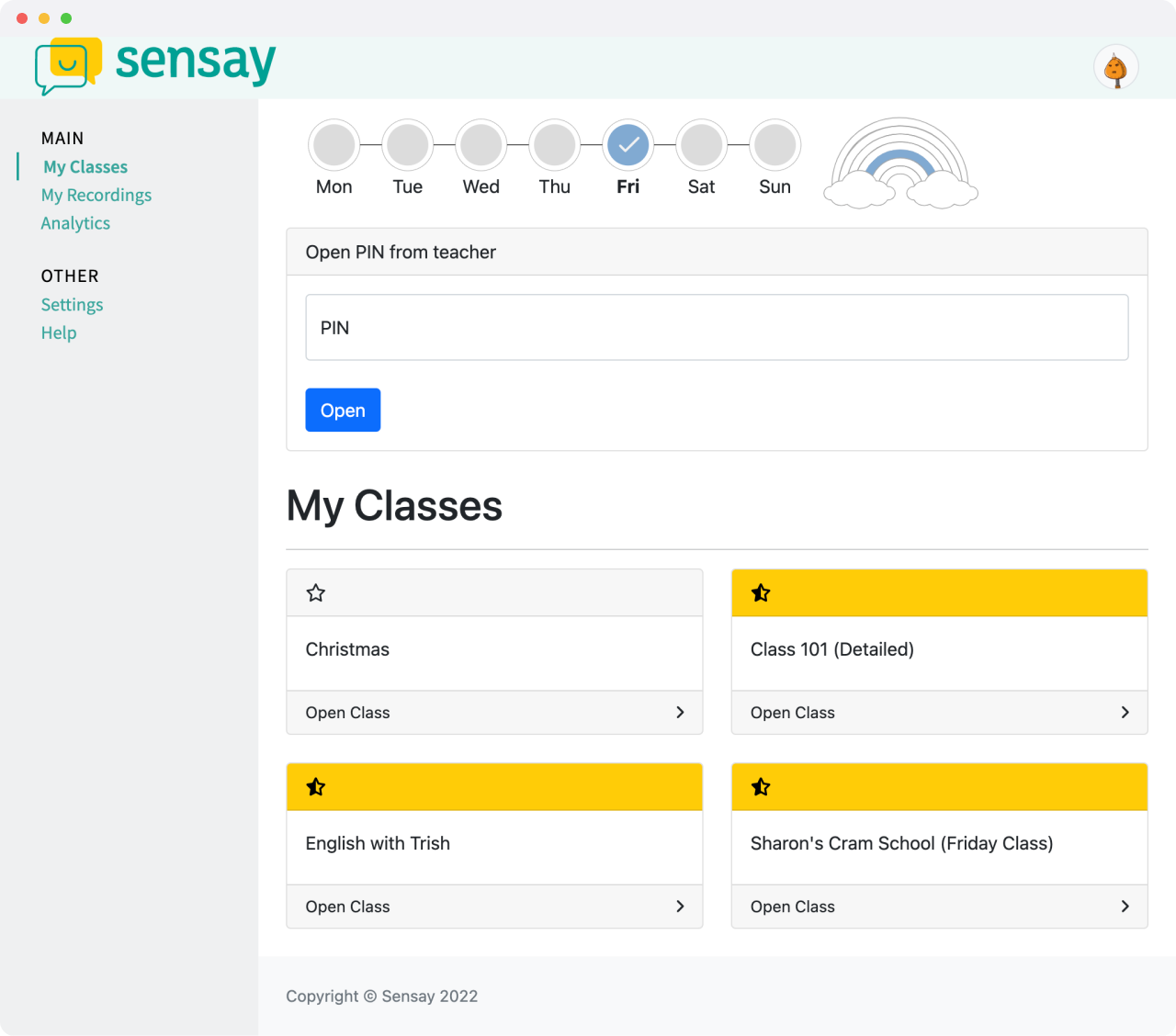
- Once logged in, they will be able to see all assignments in the Classes that you have assigned them to and will be able to access and complete their assignments. They will also be able to listen to and view their past history of recordings and scores. To learn more about Student Accounts, please click here.